


Ready before you walk in.
The companion app for
sign language interpreters


See SignPrep in 42 seconds
What SignPrep helps with
-
BeforePreparation
Prepare for your assignments in SignPrep
See each assignment from your calendar with an AI briefing.
Assignment preparation for interpreters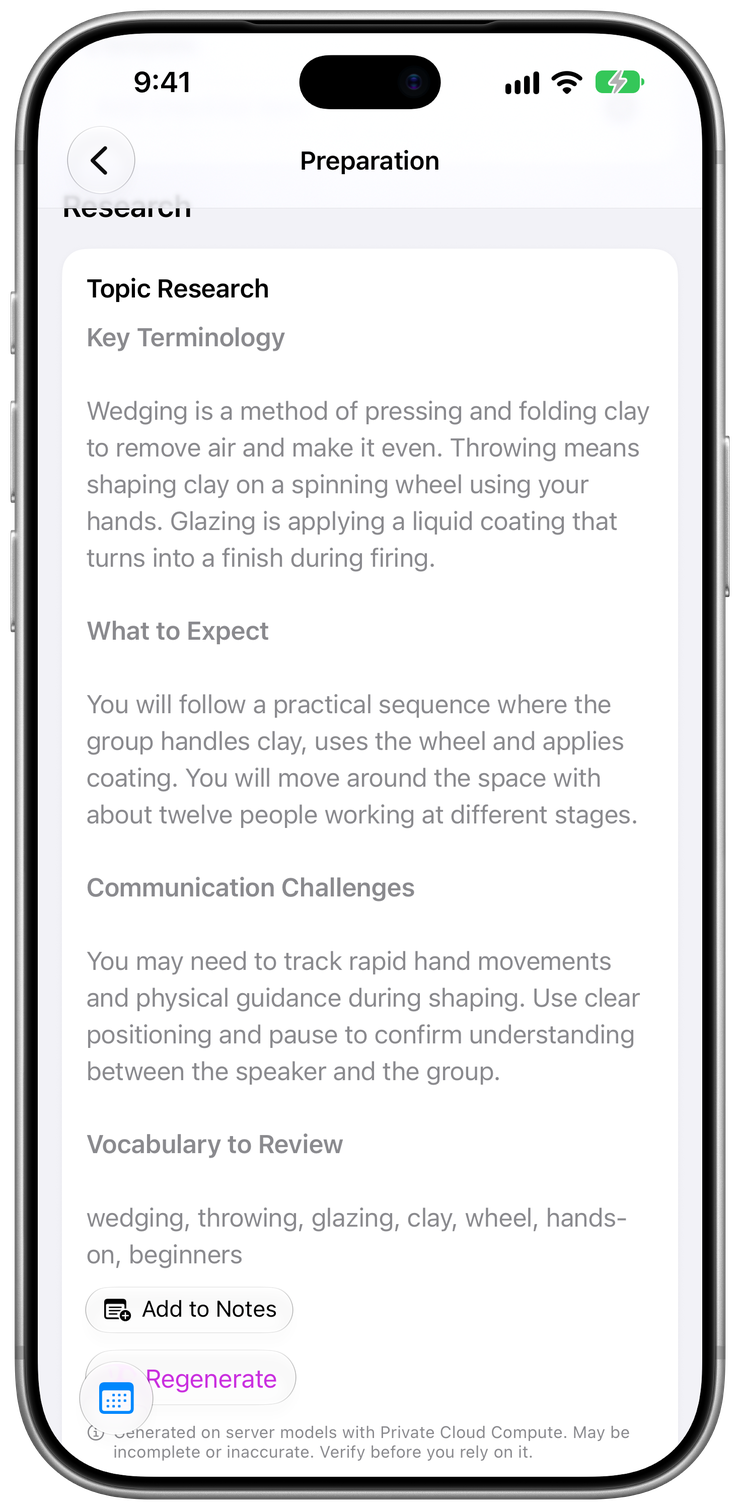
-
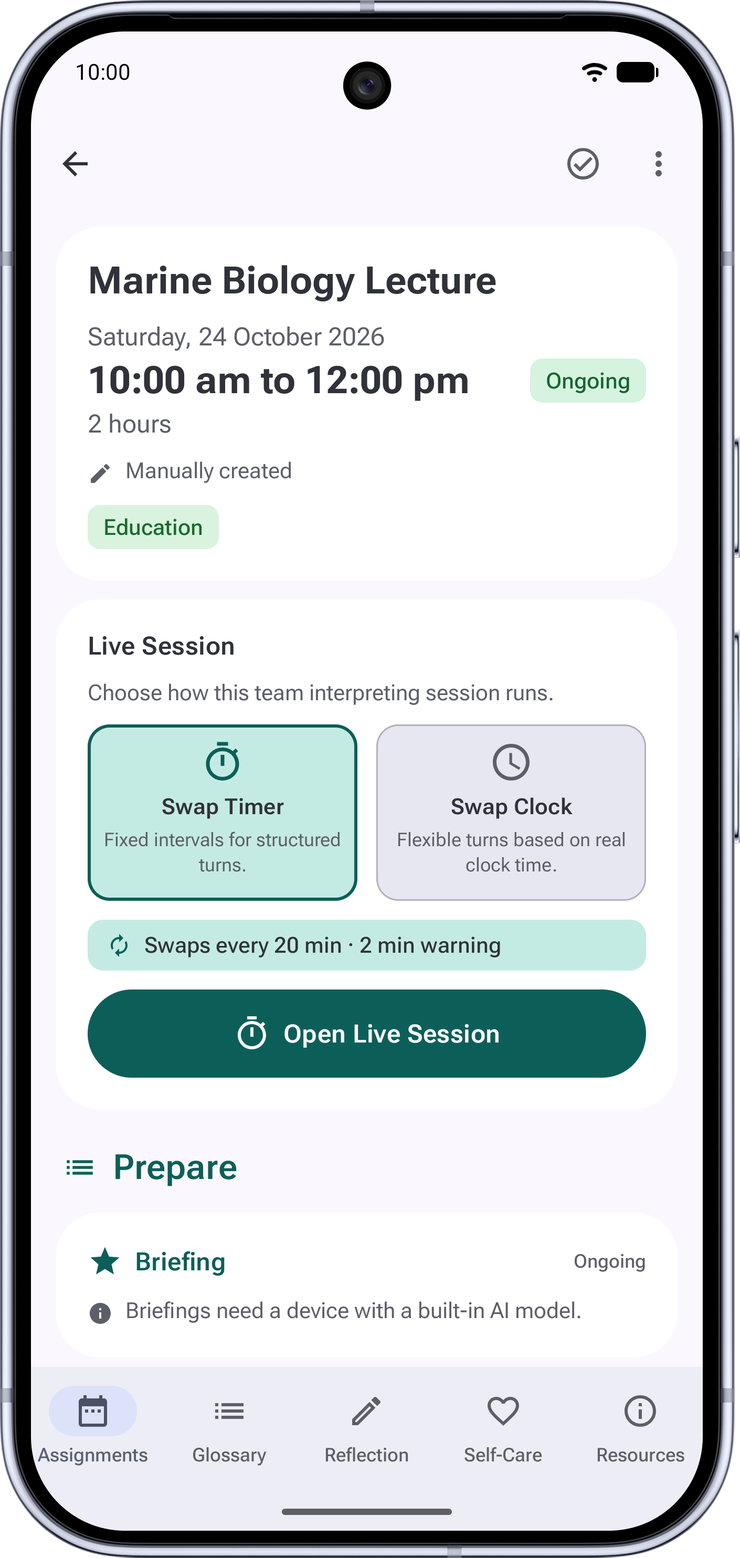
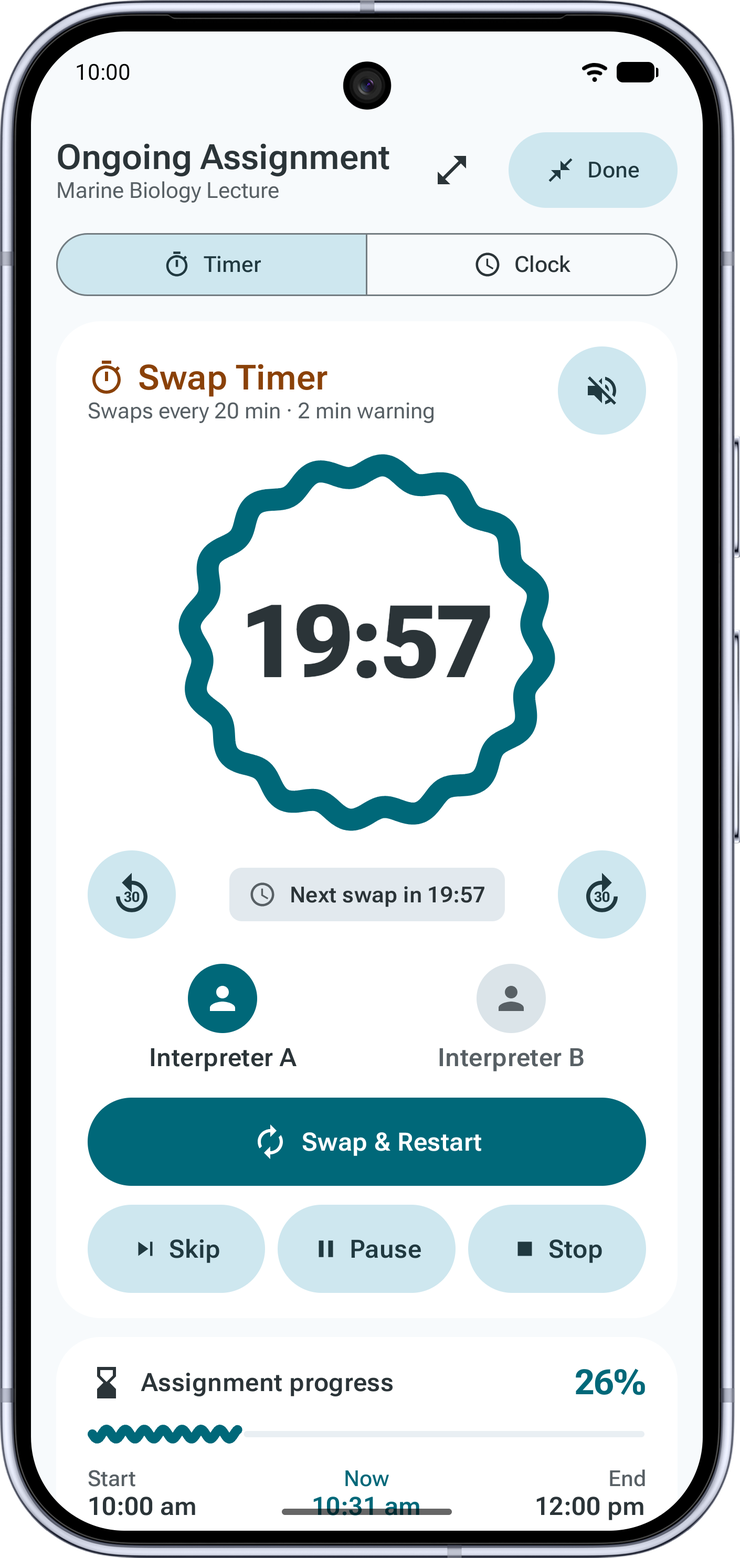
DuringSwap Timer
You and your co-interpreter rotate
On the assignment’s page, Live Session appears an hour before the assignment starts.
Start the Swap Timer and set the phone down: Ambient Mode keeps the countdown readable across the room and pulses when it is time to swap.
Read the Swap Timer guide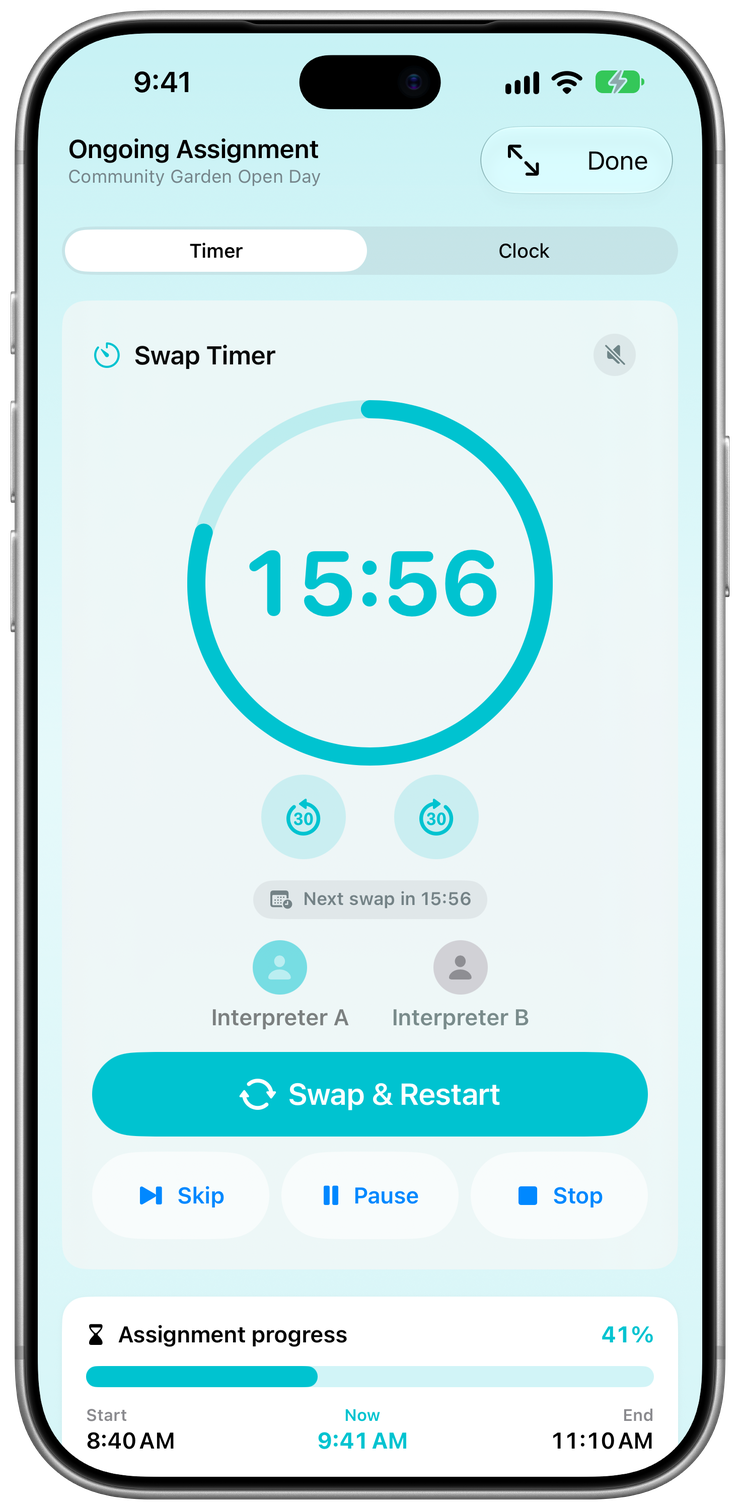
-
AfterReflection
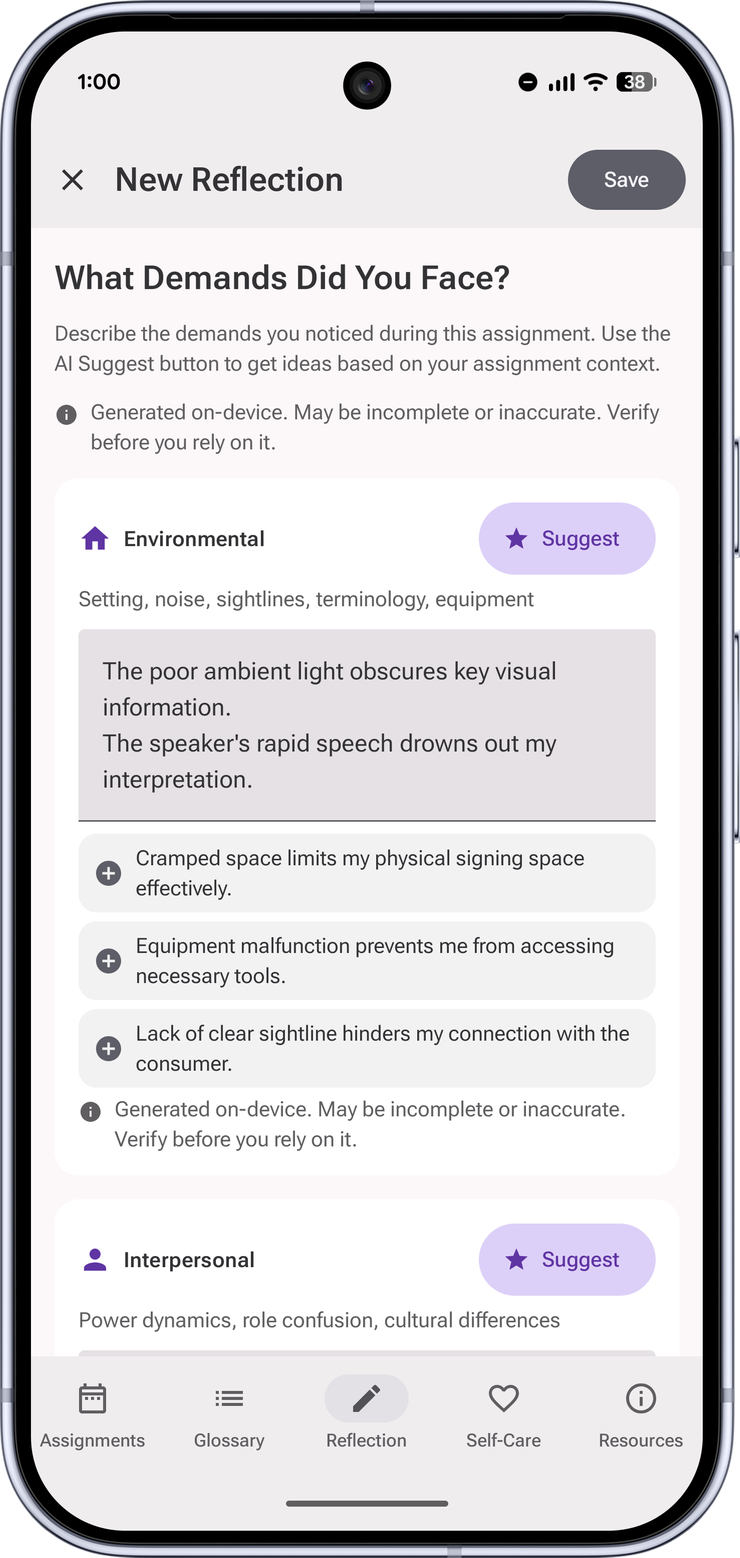
Do a quick post-job reflection
Capture a DC-S reflection while it is fresh.
Then log your CPD hours in a tap. SignPrep tracks your renewal pace and reminds you before the deadline.
Read the DC-S reflection guide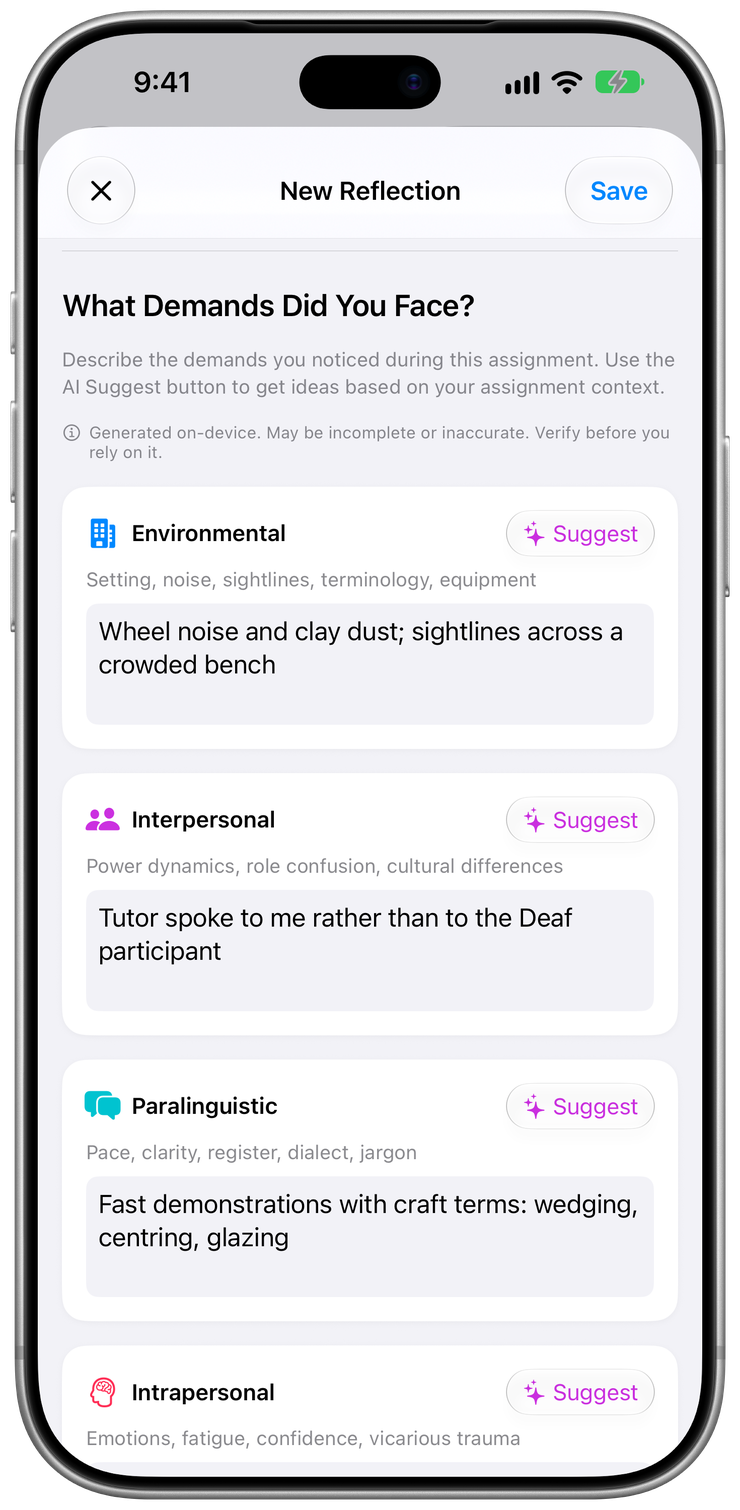
-
Any timeGlossary
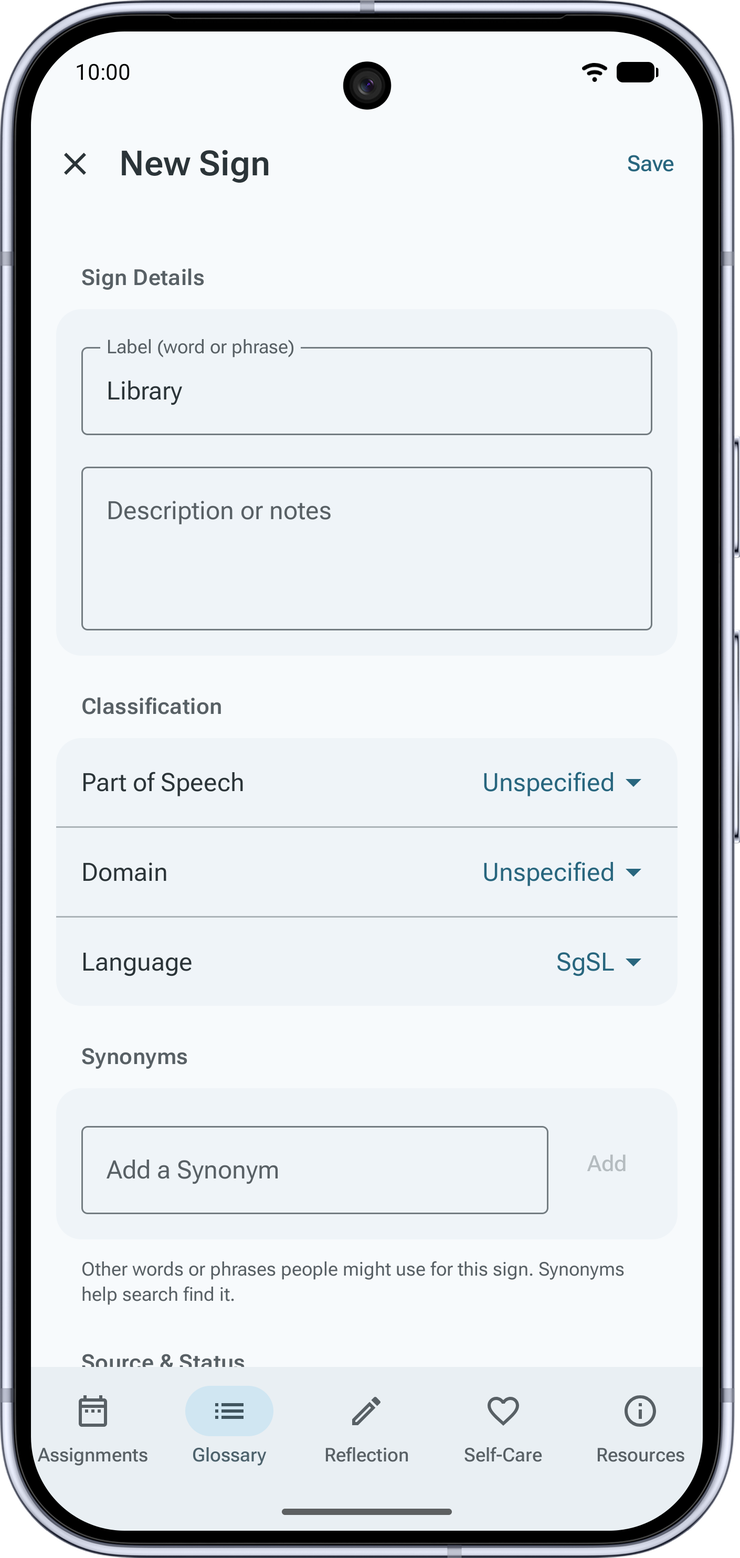
Record a sign you will need again
Record a sign or choose a video from your library, and, on iPhone and iPad, let AI suggest the definition, word type, and domain.
A review queue and suggestions from your next assignments bring the right signs back before you walk in.
Read the sign glossary guide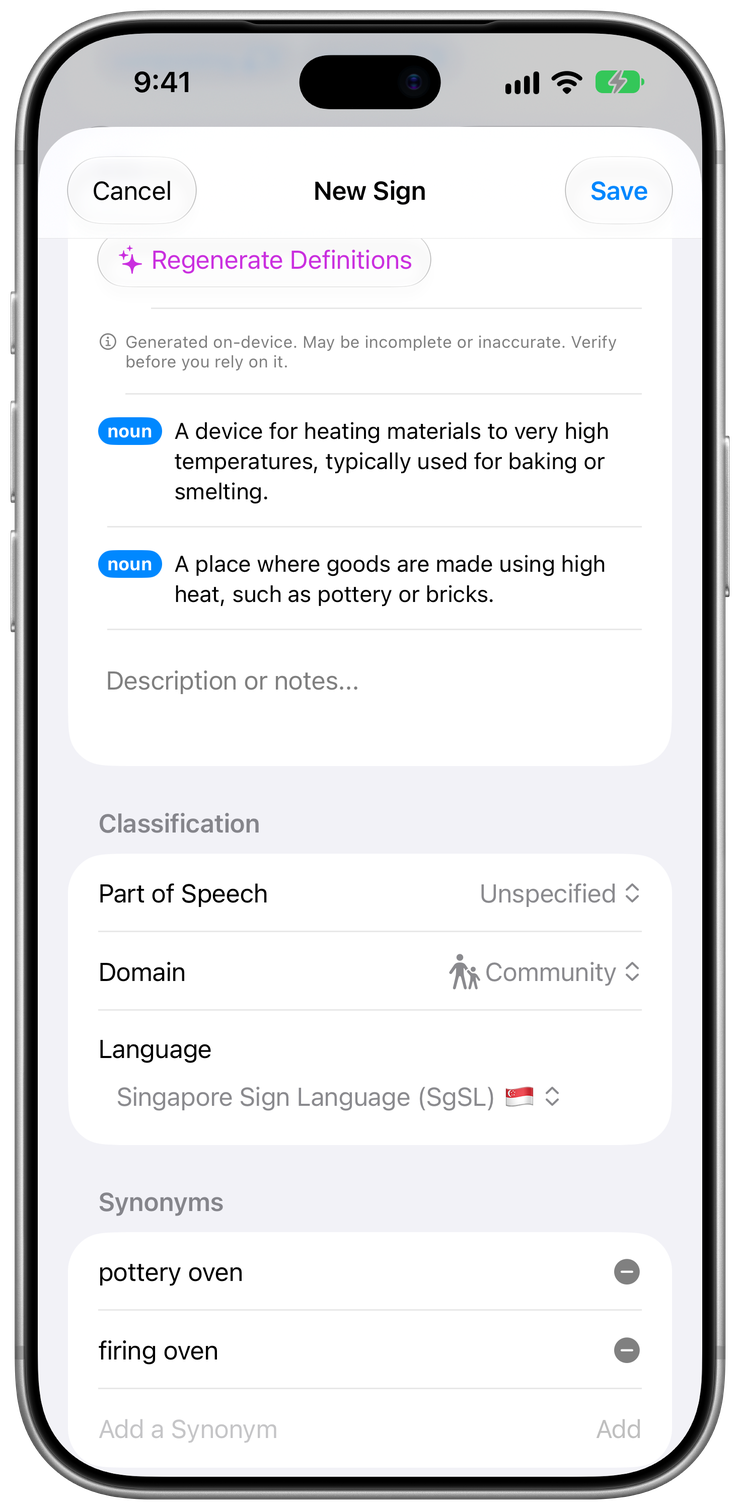


Across the workflowPrivacy, App Lock and Siri
Keep your assignments confidential
No account, and SignPrep keeps no copy of your data.
No account, and no SignPrep cloud. Your data is stored on your devices.
On Apple devices, AI runs on Apple Intelligence. On Android, AI runs on Gemini Nano on your device.
Lock SignPrep with its own PIN and your device’s face or fingerprint unlock.
Everything else that runs your practice
SignPrep at a glance
- Price:
- Free. No ads, no subscriptions, and no account.
- Works on:
- iPhone, iPad, Apple Watch, and Android phones and tablets
- Requires:
- iOS 26 or later, iPadOS 26 or later, watchOS 26 or later, or Android 8.0 or later
- AI features:
- On Apple devices, they need an iPhone or iPad that supports Apple Intelligence, with Apple Intelligence turned on. On Android, they need a phone that supports Gemini Nano. Everything else works without them. Which devices support Apple Intelligence
- Sign language support:
Automatic detection based on your region. Examples include:
- Singapore Sign Language (SgSL)
- American Sign Language (ASL)
- British Sign Language (BSL)
- Australian Sign Language (Auslan)
- New Zealand Sign Language (NZSL)
- Irish Sign Language (ISL)
- International Sign (IS)
- Your judgement:
- SignPrep supports your work as a sign language interpreter. It doesn’t replace your judgement or your own research.
- AI processing:
- SignPrep operates no AI servers and cannot remotely access your requests or results.